
Reason Analytics Catalogue Management System

Product Overview


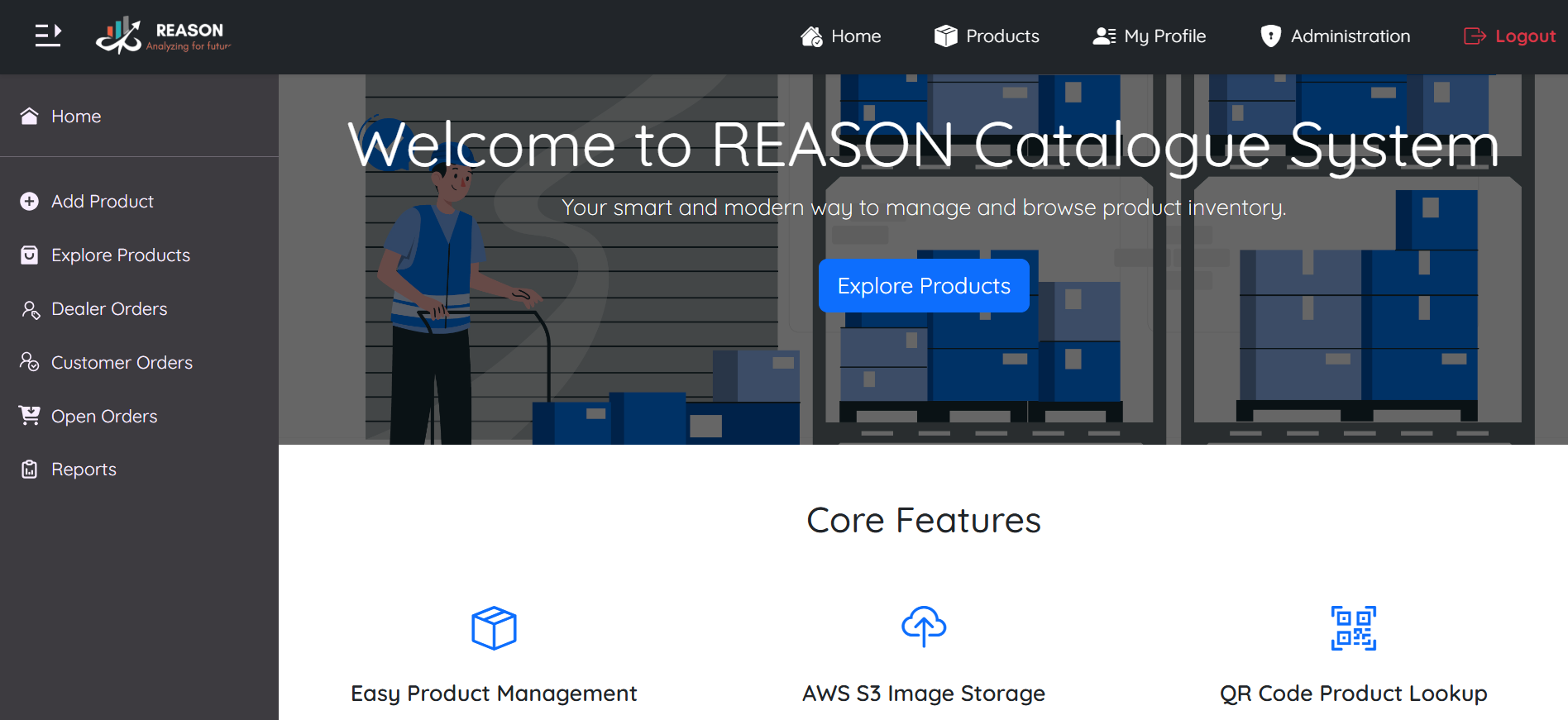
Reason Catalogue Management System is a scalable platform built to streamline product catalogue, user and order management. The system offers product management, user licensing and structured approval process for orders — making it ideal for businesses managing both internal users and external business users.
Project

At a Glance

Purpose

To simplify and automate product catalog handling, user management and approval flows with high scalability for organizations.

Target Audience

Designed for companies managing internal teams and external distributors needing streamlined order and product control.

Key Features
  • Product Management
  • Ordering System
  • Order Approval Workflow
  • Report Generation

Feature Descriptions


Product Management

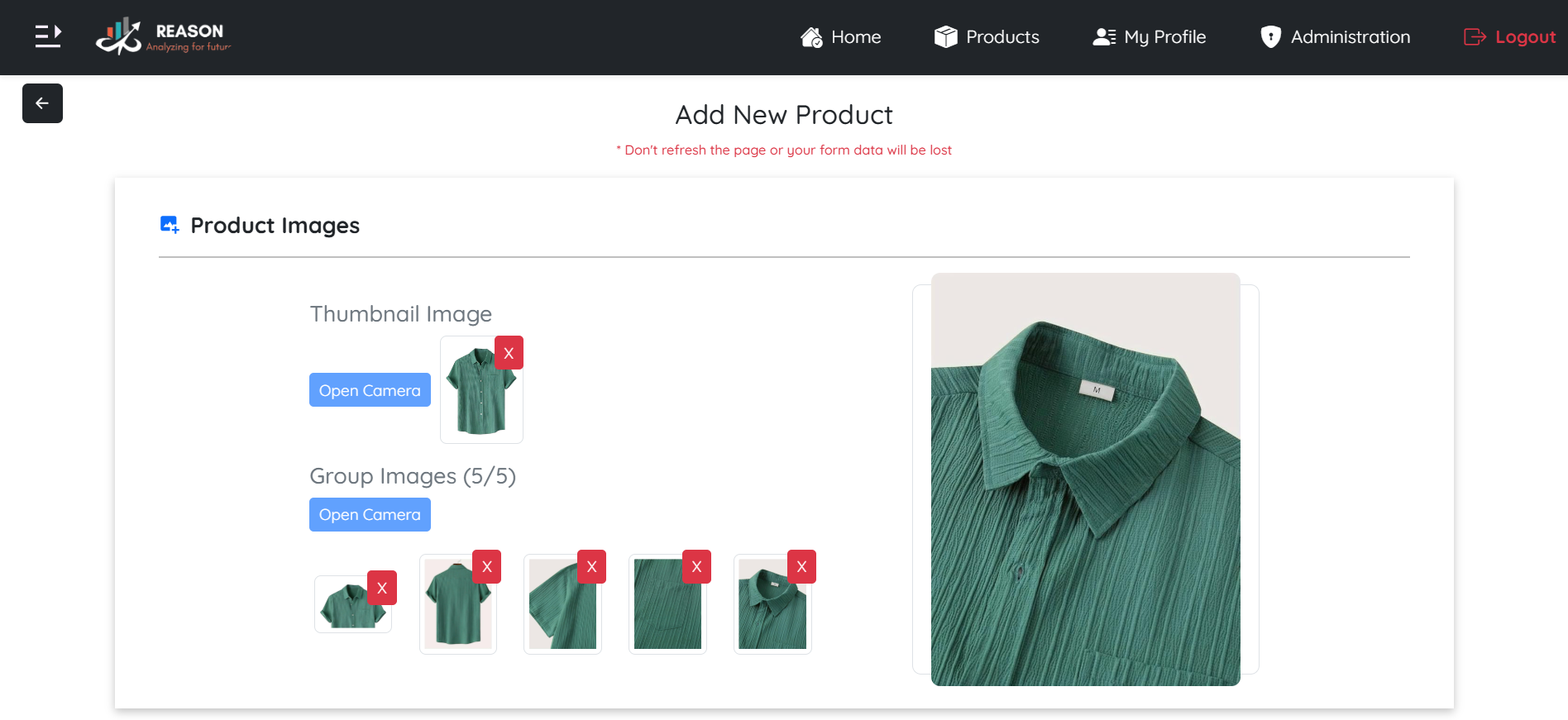
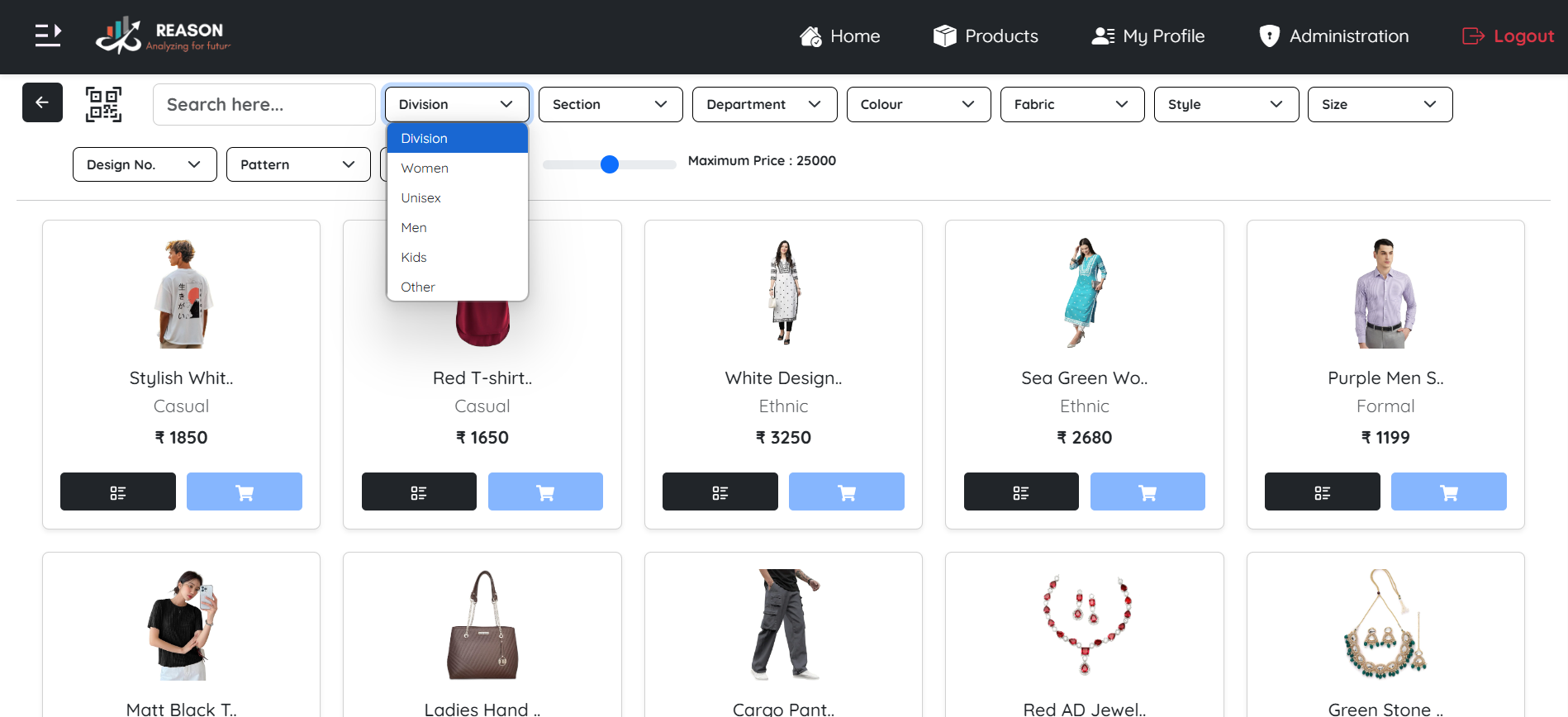
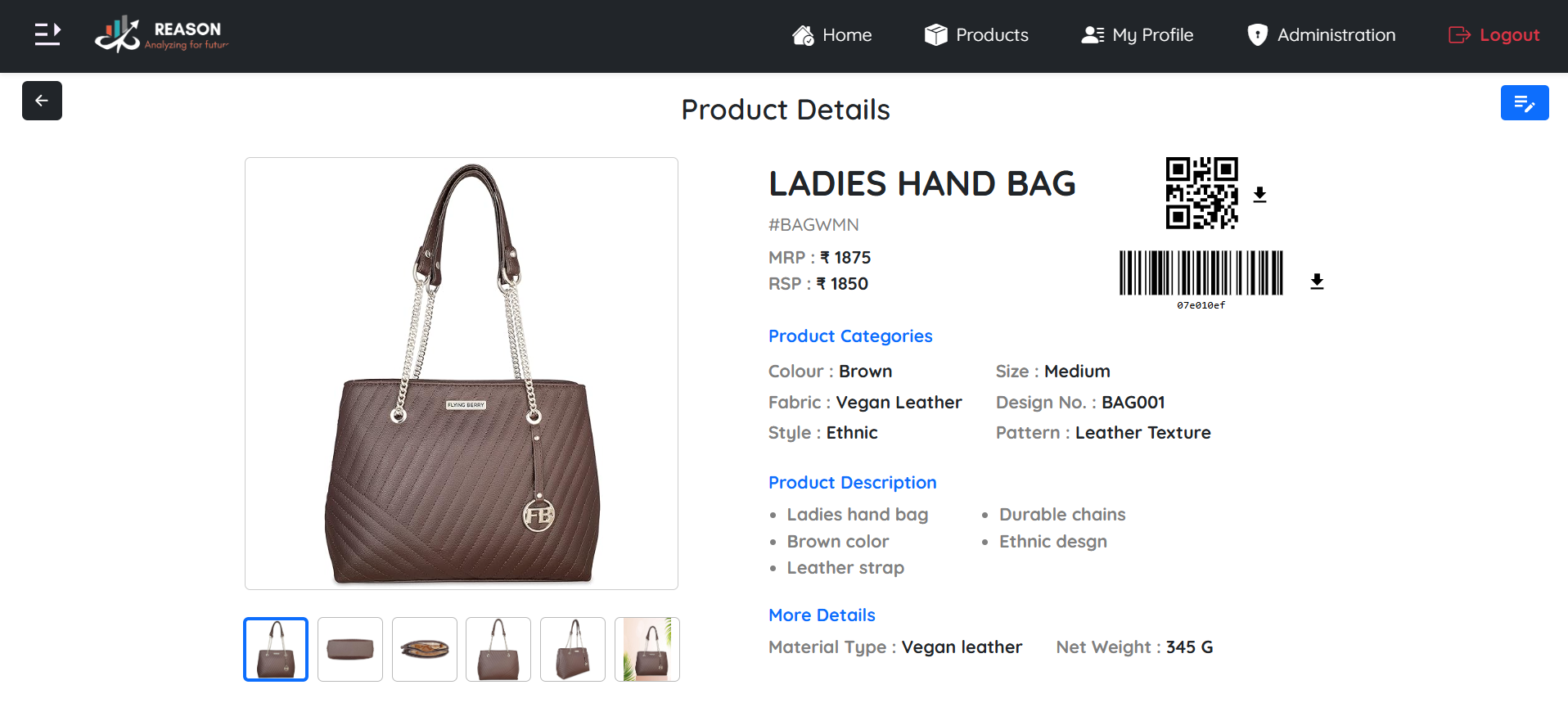
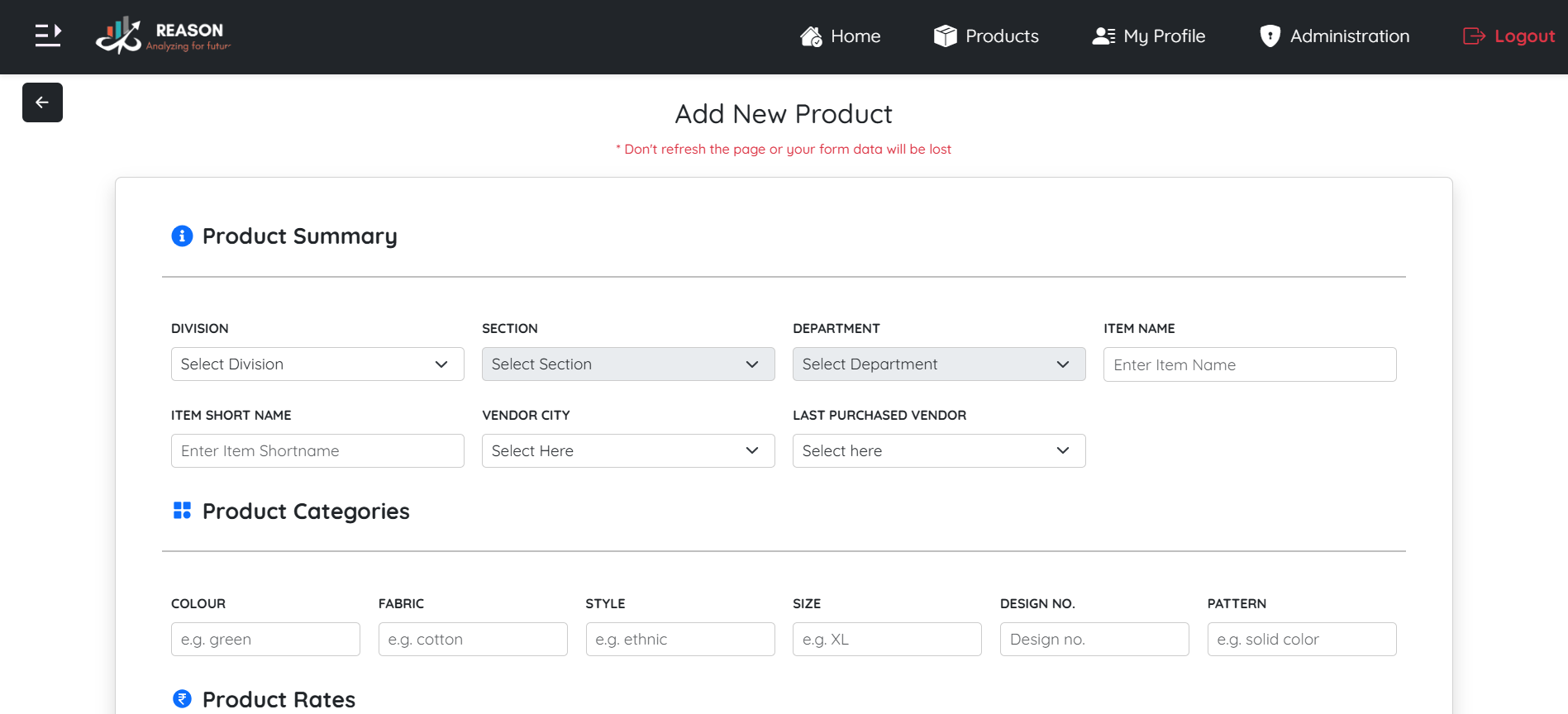
App Owners and App Users are responsible for maintaining the product catalogue. They can add new products by filling in the required fields, providing descriptions and uploading or capturing both thumbnail and group images. The system offers search and filtering options on the product list, allowing users to quickly locate specific items. Each product has a detailed view that displays complete information along with associated media. Additionally, every product is linked to a unique QR code and barcode based on its product ID. With the ability to filter and search by parameters such as name, category and availability, the system makes it easy to manage even large product catalogues efficiently.

Add Product Product Images Product List Product Info
Ordering System

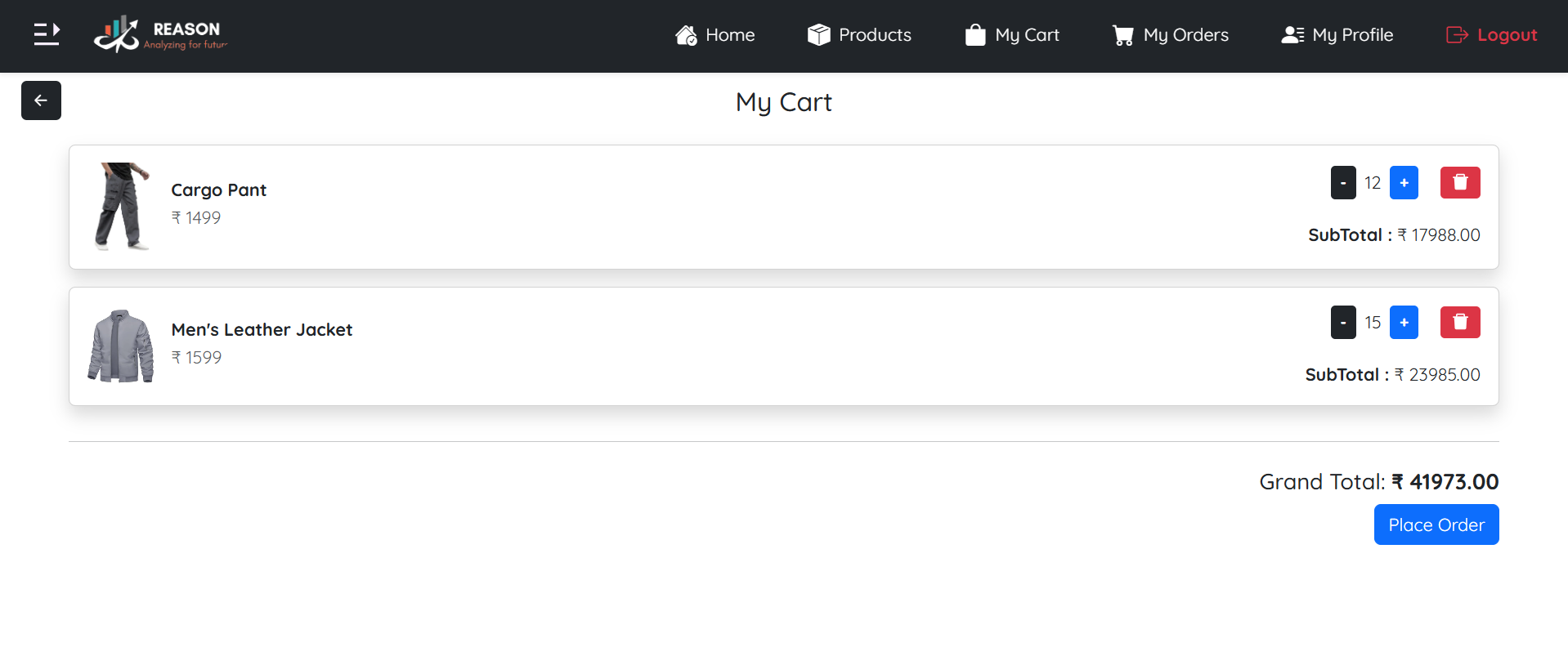
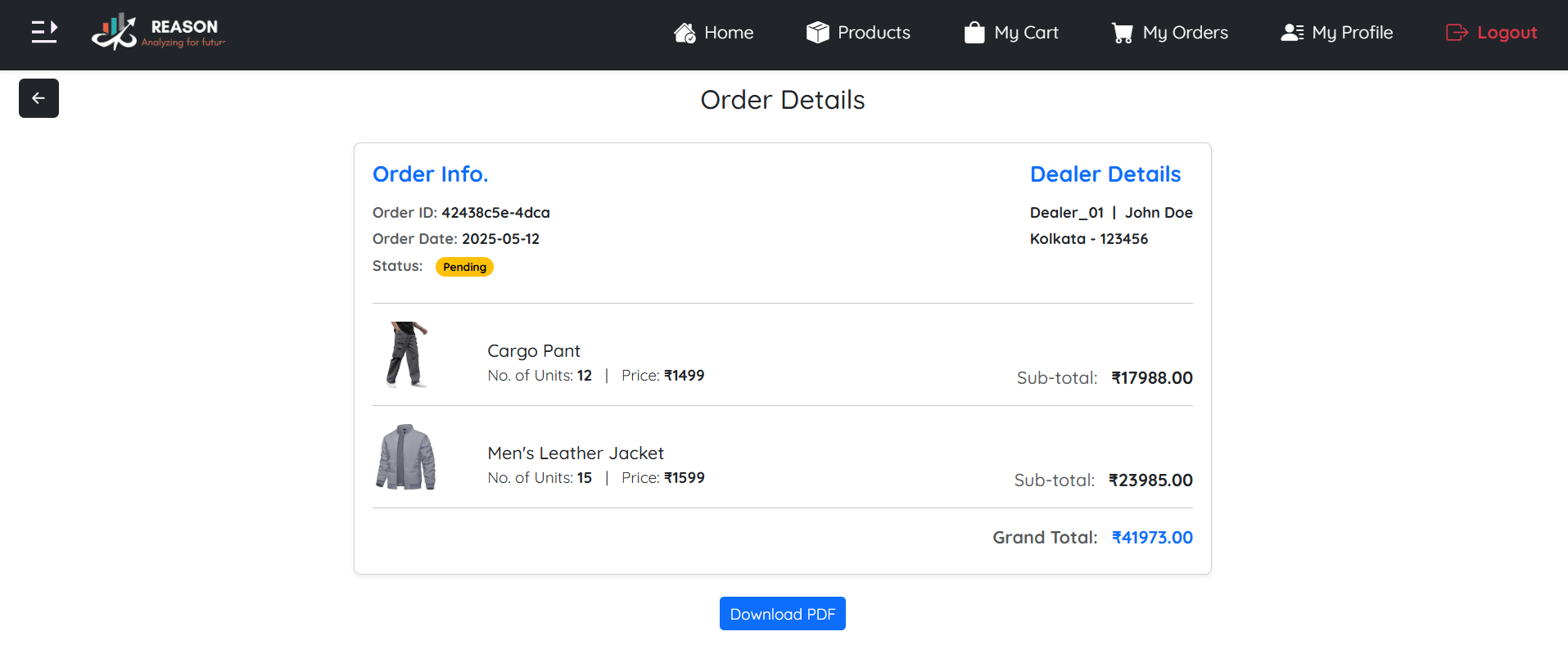
Business users, including Dealers and Customers, can browse the product catalogue and add items to their cart. Dealers are required to meet a Minimum Order Quantity (MOQ) of 10 units, promoting bulk ordering in line with dealer-level transactions. In contrast, Customers are not restricted by any MOQ and can place orders in any quantity. Once the cart is finalized, users can proceed to place their order, which then enters the approval workflow. Each order is assigned a unique Order ID, allowing for easy reference and efficient order management.

Cart My Order
Order Approval Workflow

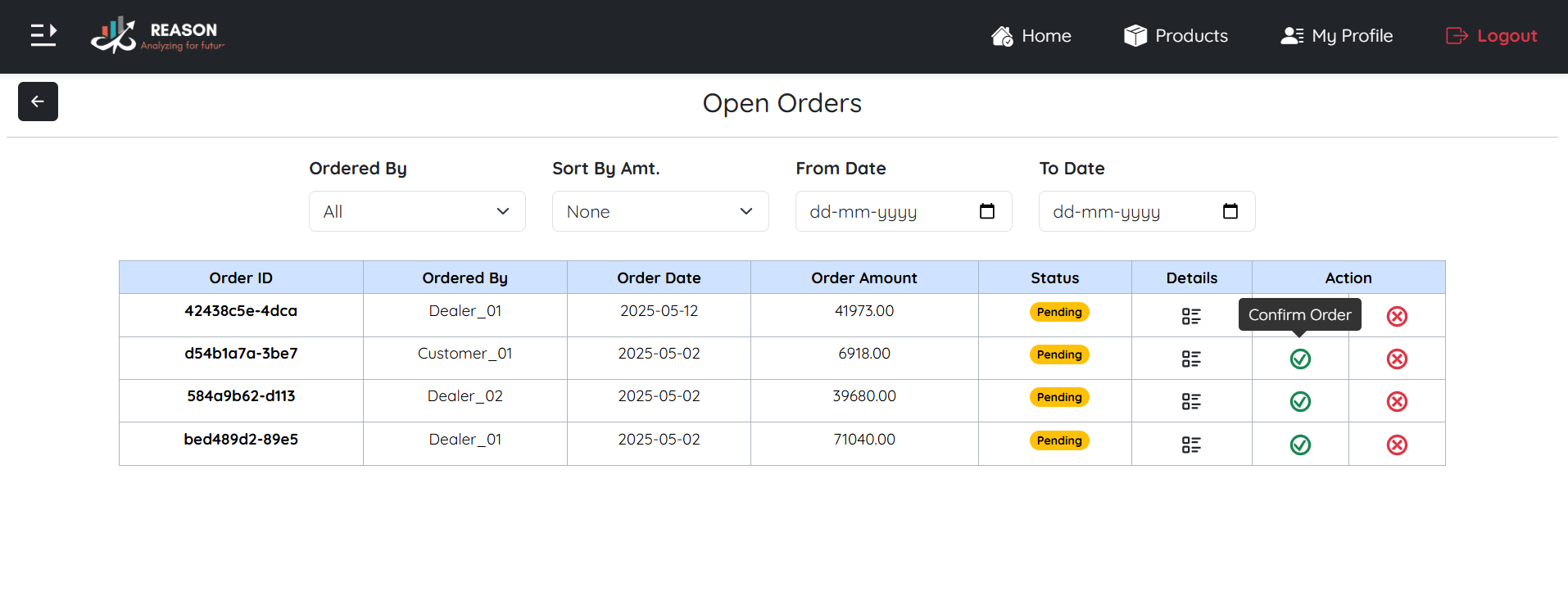
Once an order is placed by a Dealer or Customer, it enters the system with a Pending status. At this stage, the order becomes visible to both the user who placed it and the internal organization users. It is listed under the Open Orders section, awaiting further action. The App User plays a central role in this workflow, being responsible for reviewing the order. The App User can either approve the order, changing its status from Pending to Confirmed or cancel the order, updating its status from Pending to Cancelled.

Open Order
Report Generation

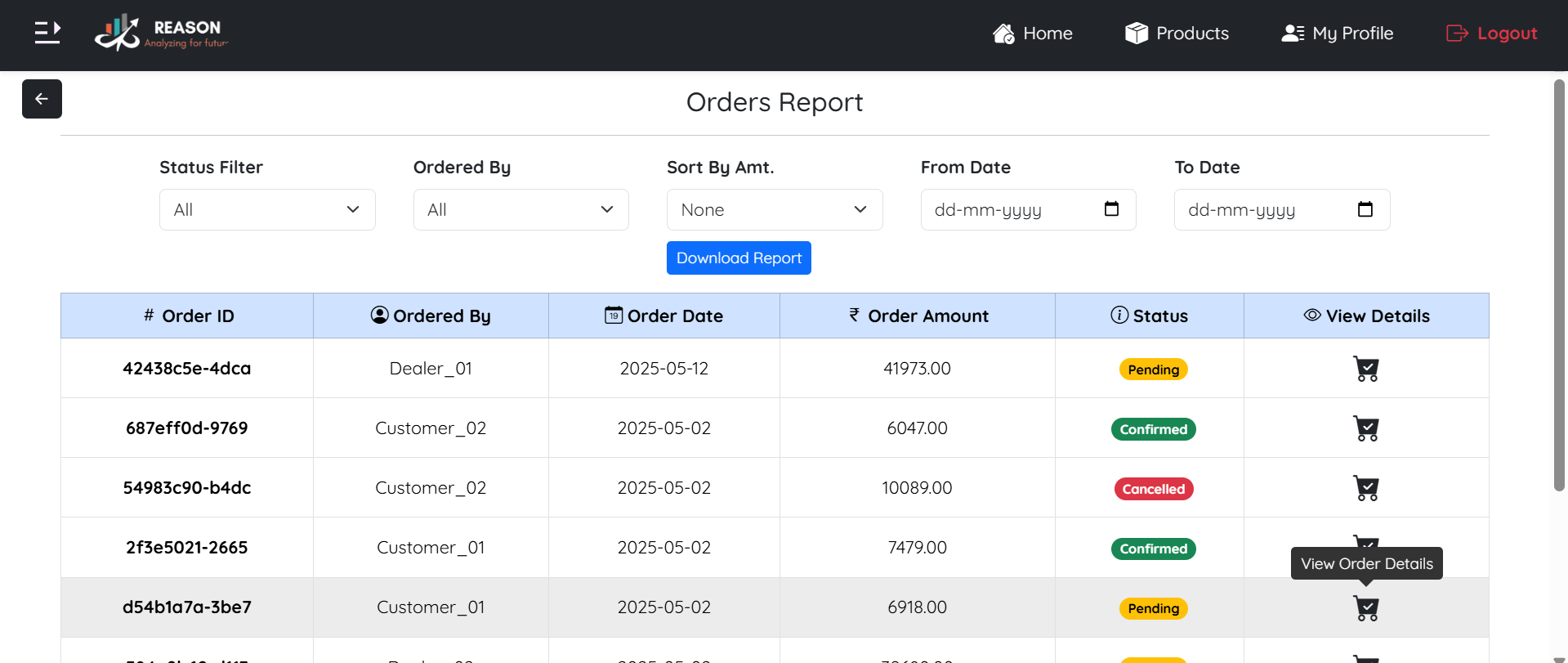
The platform includes a dedicated Reports Section designed to provide insightful data and streamline order tracking. Users can filter orders based on date, status, and user and also sort results by order amount for better analysis. Reports can be easily exported as PDF files, enabling smooth documentation and sharing. Additionally, the section allows users to monitor the total number of orders placed, confirmed and cancelled, offering a clear overview of order activity and performance.

Reports
Scroll to Top